
How to Set A Proper Logo Design Placement

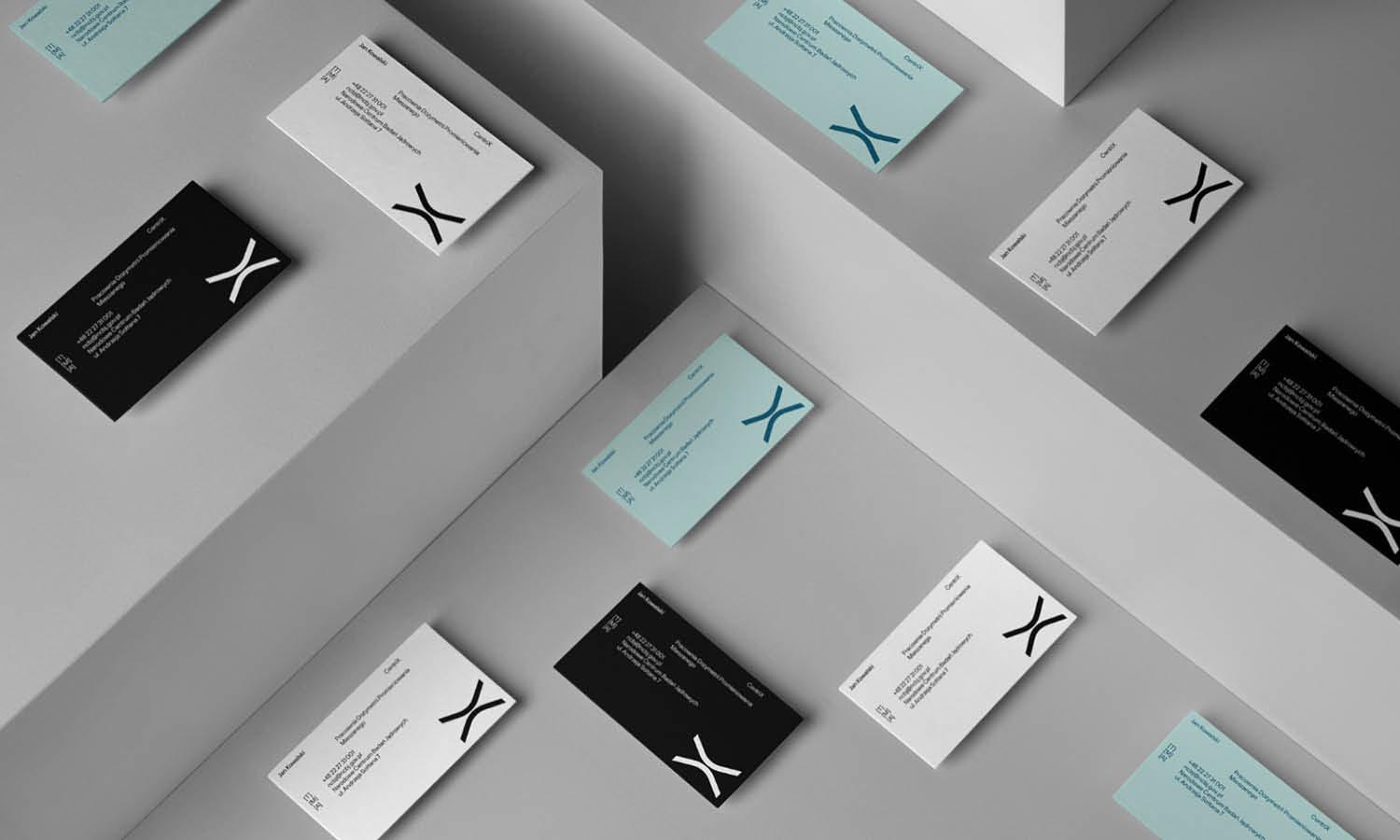
Source: John John Dias, Atypical, Behance, https://www.behance.net/gallery/183317885/Atypical
Logo placement may look like a small detail, but it strongly affects how a design feels and how quickly people recognize the brand. A logo placed too close to an edge can seem accidental. One that is too large may overpower the message, while one that is too small or hidden can lose its purpose. Proper logo placement is not about choosing the most obvious empty area. It requires you to consider visual hierarchy, alignment, spacing, contrast, format, and the way people will view the finished design. The goal is to give the logo a clear, confident position without letting it compete with the main content. When these decisions work together, the logo feels naturally connected to the layout and remains easy to identify across different applications.
Understand the Purpose of the Logo Placement
Before choosing a position, decide what the logo needs to do within the design. Its role will influence how visible, large, or prominent it should be.
Identify the Logo's Role
A logo may act as the main brand identifier, a supporting signature, a sponsor mark, or a small ownership element. On a business card, it may lead the composition. On a promotional poster, it may support the headline and offer. A sponsor logo usually needs visibility without appearing more important than the event itself.
Consider the Viewer's First Interaction
Think about where the viewer is likely to look first. A logo near the top of a website or document is noticed early, while one near the bottom often reads as a closing signature. The stronger choice is the one that matches the intended viewing sequence.
Match Placement to the Design's Purpose
Logo placement should support the communication goal. A product launch may require stronger brand presence, while an instructional page may need the logo to stay quiet so the content remains easy to follow.
Establish a Clear Visual Hierarchy
Visual hierarchy controls which elements receive attention first, second, and third. The logo should occupy a clear place in that order instead of competing with every other element.
Decide How Prominent the Logo Should Be
Ask how important immediate brand recognition is. If the design represents the company directly, the logo may need a stronger position. If the layout focuses on a product image, event title, or call to action, the logo can be smaller and more supportive.Prominence is created through more than size. Position, contrast, surrounding space, and distance from other elements also influence how strongly the logo appears.
Avoid Competing With the Main Message
A large logo beside a large headline creates two visual starting points. This can make the layout feel divided. Give one element priority, then allow the other to support it.
Use Position to Guide Attention
Top-left placement often feels familiar and immediate in left-to-right reading contexts. Centered placement can feel formal or prominent. A lower corner usually creates a quieter branded signature. Choose the position according to the attention the logo should receive.
Use Alignment to Create a Stable Position
A logo can have enough space and still feel misplaced when it does not align with the rest of the design. Strong alignment makes the mark look intentional and connected to the composition.
Follow the Existing Grid
Use the layout grid as the starting point for logo placement. Columns, margins, baseline guides, and container edges provide clear reference points. Placing the logo along these guides helps it belong to the same visual system as the text and images.
Align With Nearby Elements
A logo may align with the left edge of a headline, the width of a text block, the top of a navigation bar, or the boundary of an image. These relationships create order. Avoid positioning the logo slightly away from an obvious alignment line without a clear reason.
Make Optical Adjustments When Necessary
Geometric alignment does not always look correct. A circular symbol, angled mark, or wordmark with uneven letter shapes may appear off-center even when its bounding box is aligned. Small optical adjustments can correct this. Judge the visible shape, not only the software frame around it.

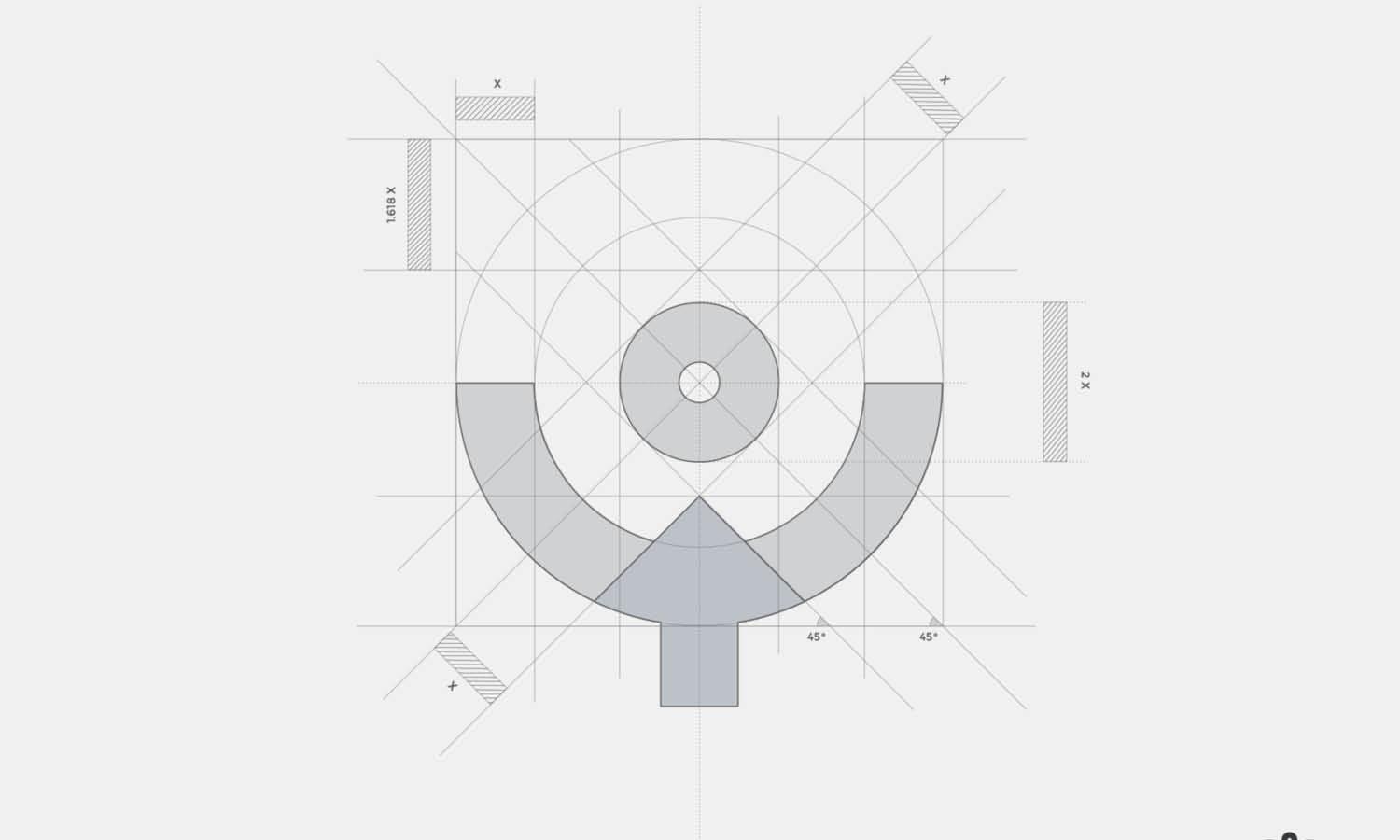
Source: azharfani, Branding Kit for Property Real Estate Company, Dribbble, https://dribbble.com/shots/21667249-Branding-kit-for-property-real-estate-company
Give the Logo Enough Clear Space
Clear space is the protected area around a logo. It prevents nearby content from weakening recognition or making the mark feel cramped.
Apply the Brand's Clear-Space Rule
Many brand guidelines define clear space using part of the logo, such as the height of a letter or symbol. Apply this measurement consistently on every side. When no rule exists, create a reasonable minimum based on the logo's proportions.
Keep Other Elements Outside the Logo Area
Text, borders, icons, photographs, and decorative shapes should not enter the protected area. Even small intrusions can make the logo appear crowded. Clear space also separates the brand mark from content that may be mistaken as part of it.
Avoid Overcrowded Corners
Corners often collect page numbers, contact details, icons, buttons, badges, or legal text. Placing the logo in a corner does not guarantee enough room. Review the entire area and reposition nearby elements when necessary. A clean margin gives the logo confidence without requiring a larger size.
Choose a Position That Fits the Format
A position that works in one design may fail in another. Format, dimensions, production limits, and viewing conditions all affect logo placement.
Logo Placement on Websites
Website logos commonly appear in the header because users expect to find brand identity and home navigation there. The logo should remain visible without making the header unnecessarily tall. It also needs to adapt across desktop, tablet, and mobile layouts. On smaller screens, a simplified symbol may work better than forcing the full logo into a narrow space.
Logo Placement in Print Layouts
Printed materials require attention to trim lines, bleed, folds, binding, and safe margins. A logo placed too close to the edge may be cut unevenly. On brochures, avoid positioning it across a fold unless the design has been prepared for that effect. Stationery benefits from repeatable placement across letterheads, envelopes, and business cards.
Logo Placement on Packaging
Packaging introduces panels, curves, seams, closures, and shelf orientation. Place the logo where it can be seen when the product is displayed normally. Test how the package sits, stacks, and turns in the customer's hand.
Logo Placement in Social Media Graphics
Social platforms crop images and cover parts of the design with profile pictures, captions, or interface controls. Keep the logo within a safe area and test the graphic in each intended aspect ratio.
Maintain Contrast and Background Clarity
Even a well-positioned logo can fail when the background reduces its legibility. Good logo placement includes choosing an area where the mark remains clear at a glance.
Select a Visually Quiet Area
When placing a logo over a photograph, avoid busy textures, faces, sharp highlights, and detailed areas. A calm section of sky, wall, fabric, or negative space usually provides better visibility. The background should support the logo rather than interfere with its shapes.
Use the Correct Logo Variation
Choose the version that provides the strongest contrast. A white or reversed logo may work on a dark image, while a black or full-color version may suit a light background. Simplified variations can improve clarity at small sizes or over complex surfaces.
Avoid Effects That Compensate for Poor Placement
Heavy shadows, thick outlines, glows, and oversized background boxes often signal that the logo is sitting in the wrong area. First try moving it, changing the logo variation, or selecting a cleaner section of the background.

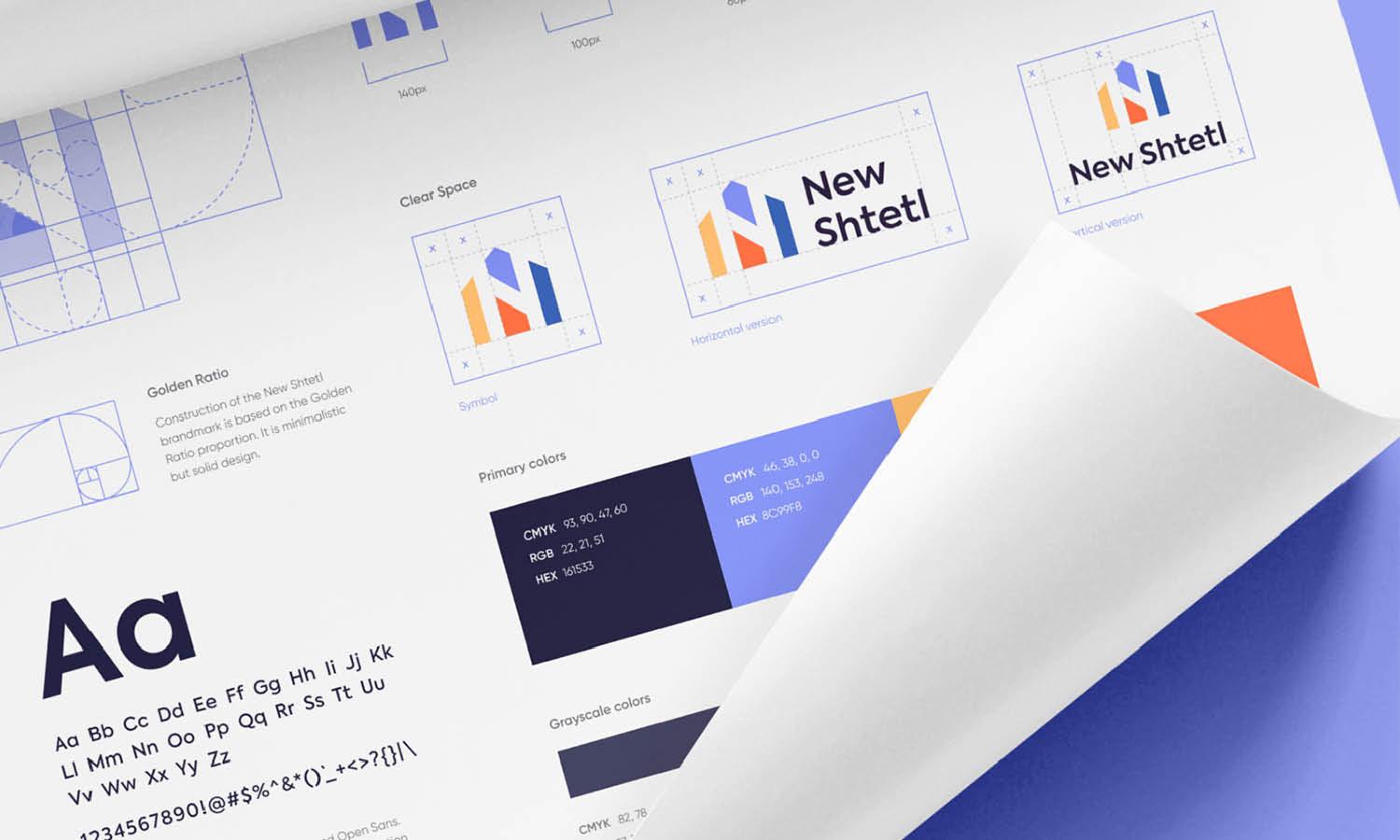
Source: Numinous Agency, Caraballo CPA, Behance, https://www.behance.net/gallery/182421439/Caraballo-CPA-Branding-Visual-Identity
Keep Placement Consistent Across Brand Materials
Consistency helps people recognize a brand faster and makes separate materials feel connected. The logo does not need identical coordinates everywhere, but its placement should follow the same logic.
Create Standard Placement Rules
Define preferred positions, minimum margins, clear-space measurements, and acceptable size ranges. For example, a brand may use top-left placement on digital interfaces and lower-right placement on advertising graphics.
Adapt Without Losing Consistency
Different formats require flexibility. A narrow banner cannot use the same composition as a square social post, but both can preserve similar alignment, margin, and prominence. Repeat the relationship between the logo and the layout rather than copying one position mechanically.
Document the Rules in Brand Guidelines
Include examples of approved and incorrect logo placement. Show how the mark should sit near text, images, page edges, and partner logos. Clear examples help internal teams, printers, freelancers, and external partners make consistent decisions without guesswork.
Test the Logo Placement Before Finalizing
Logo placement should be reviewed in realistic conditions, not only at a comfortable zoom level inside design software.
Review the Full Composition
Zoom out and examine the complete layout. Check that the logo is visible without dominating the design. Then review it at the size people will actually see. A position that looks balanced on a large monitor may feel cramped on a phone or printed card.
Test Realistic Mockups
Apply the design to a screen, package, sign, document, or piece of merchandise. Mockups reveal how perspective, folds, curves, materials, and surrounding objects affect visibility. They can also expose a logo placed too close to an edge or hidden during normal use.
Check Technical Boundaries
Confirm that the logo remains inside safe areas and away from trim lines, seams, folds, interface controls, and production tolerances. Review final export dimensions as well. A technically safe position protects the mark from unexpected cropping.
Conclusion
Proper logo placement comes from a series of connected decisions. The logo needs a clear role, appropriate prominence, stable alignment, sufficient clear space, and strong contrast. Its position must also respond to the format in which the design will appear. The aim is not to make the logo dominate every composition. Successful placement keeps the brand recognizable while supporting the main message, image, or function of the layout. Use grids and margins to create structure, adapt the position for different applications, and keep the underlying rules consistent. Before approving the design, test it at realistic sizes and in real-world contexts. That final review often reveals small adjustments that make the logo feel more balanced, deliberate, and professionally integrated.
Let Us Know What You Think!
Every information you read here are written and curated by Kreafolk's team, carefully pieced together with our creative community in mind. Did you enjoy our contents? Leave a comment below and share your thoughts. Cheers to more creative articles and inspirations!
Related Articles









Leave a Comment