
How to Print Logo Designs on Merchandise

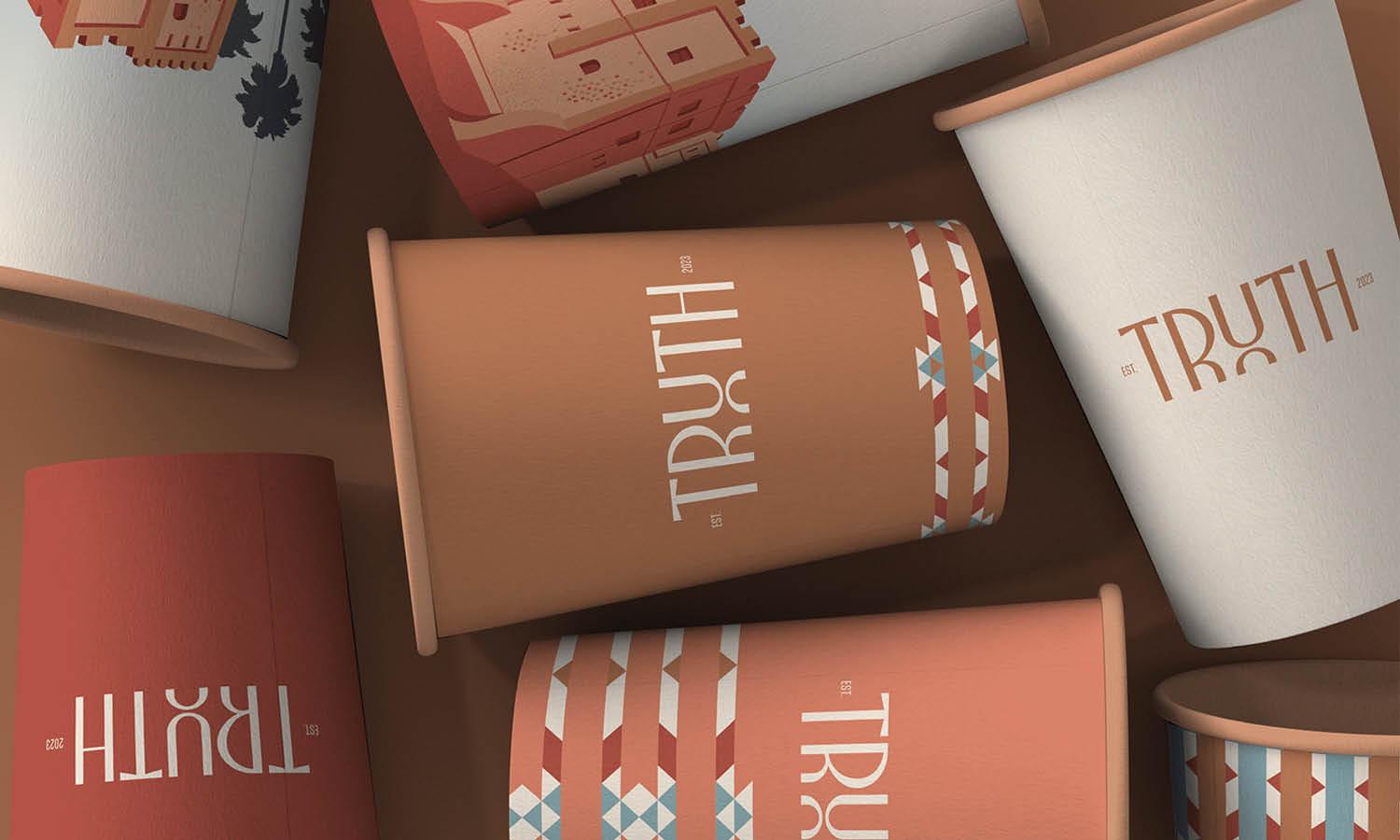
Source: Rustam Suleymanov, Baku Short Film Festival [concept], Behance, https://www.behance.net/gallery/164693215/Baku-Short-Film-Festival-concept
Printing a logo on merchandise sounds straightforward, but the finished result depends on several decisions made before production starts. A logo that looks sharp on a computer screen may lose detail, shift in color, or feel awkwardly positioned once applied to fabric, metal, ceramic, plastic, or another physical surface. To print logo on merchandise successfully, you need to think about the artwork, product material, printing method, size, placement, and production requirements as one connected process. Each choice affects how clearly the logo appears and how naturally it fits the item. Careful preparation also reduces the chance of costly reprints.
Prepare Your Logo File for Merchandise Printing
Good merchandise printing begins with a production-ready logo file. Even an experienced printer cannot fully correct artwork that is blurry, improperly sized, or missing essential design information.
Use Vector Artwork When Possible
Vector formats such as AI, EPS, SVG, and print-ready PDF are usually preferred because the artwork can be enlarged or reduced without losing sharpness. This is especially useful when the same logo needs to appear on several products at different sizes. A high-resolution PNG can also work for some processes, particularly when the artwork includes transparency or detailed color effects. However, its resolution needs to be sufficient for the intended print dimensions.
Check Resolution, Colors, and Transparency
Raster artwork should be checked at its actual production size rather than simply viewed enlarged on screen. Confirm that transparent areas are genuinely transparent and that no unwanted white box sits behind the logo. You may also need separate light and dark logo versions depending on the color of the merchandise.
Simplify Very Fine Details
Tiny lettering, hairline strokes, gradients, and intricate shapes do not always reproduce well at merchandise scale. Before printing, check whether simplifying small details will make the logo clearer without changing its identity.
Choose Merchandise That Suits Your Logo
The product itself affects how a logo can be reproduced. Before selecting a printing technique, examine the material, surface shape, texture, and available decorating area.
Consider the Material
Fabric behaves differently from glass, metal, ceramic, leather, plastic, or wood. Some materials readily accept ink, while others need specialized coatings, heat processes, engraving, or other techniques. Texture also matters. A flat plastic case may reproduce tiny details more precisely than a heavily woven tote bag. When your logo contains thin lettering or intricate linework, smoother surfaces generally give the printer more control.
Look at the Available Printing Area
Merchandise rarely provides an unlimited flat canvas. Bottles curve, bags contain seams, mugs have handles, caps have shaped panels, and small promotional items may provide only a few centimeters of usable space. Measure the actual decorating area rather than judging the product by its overall dimensions. Understanding these limits early helps you adapt the logo before production instead of discovering later that important details must be squeezed into an unsuitable space.
Select the Right Logo Printing Method
Choosing how to print logo on merchandise is largely determined by the product material, logo complexity, quantity, and finish you want.
Screen Printing
Screen printing works particularly well for bold graphics and limited-color logos. It is commonly used for T-shirts, tote bags, hoodies, and other fabric merchandise, although it can also be used on certain hard surfaces. The method is especially effective when producing larger quantities with consistent colors.
Heat Transfer and Direct-to-Garment Printing
Heat transfers can reproduce detailed, multicolor artwork and are useful for apparel and other heat-compatible products. Direct-to-garment printing applies ink directly into fabric and can handle designs containing many colors, shading, or photographic details. The right choice depends on the garment material, quantity, and desired finish.
Pad and UV Printing
Pad printing transfers ink using a flexible pad, making it useful for smaller products and surfaces that are slightly curved or irregular. UV printing cures ink using ultraviolet light and can reproduce crisp, colorful graphics on many rigid materials. It is commonly considered for items such as cases, signage pieces, promotional accessories, and certain drinkware.
Embroidery, Engraving, and Debossing
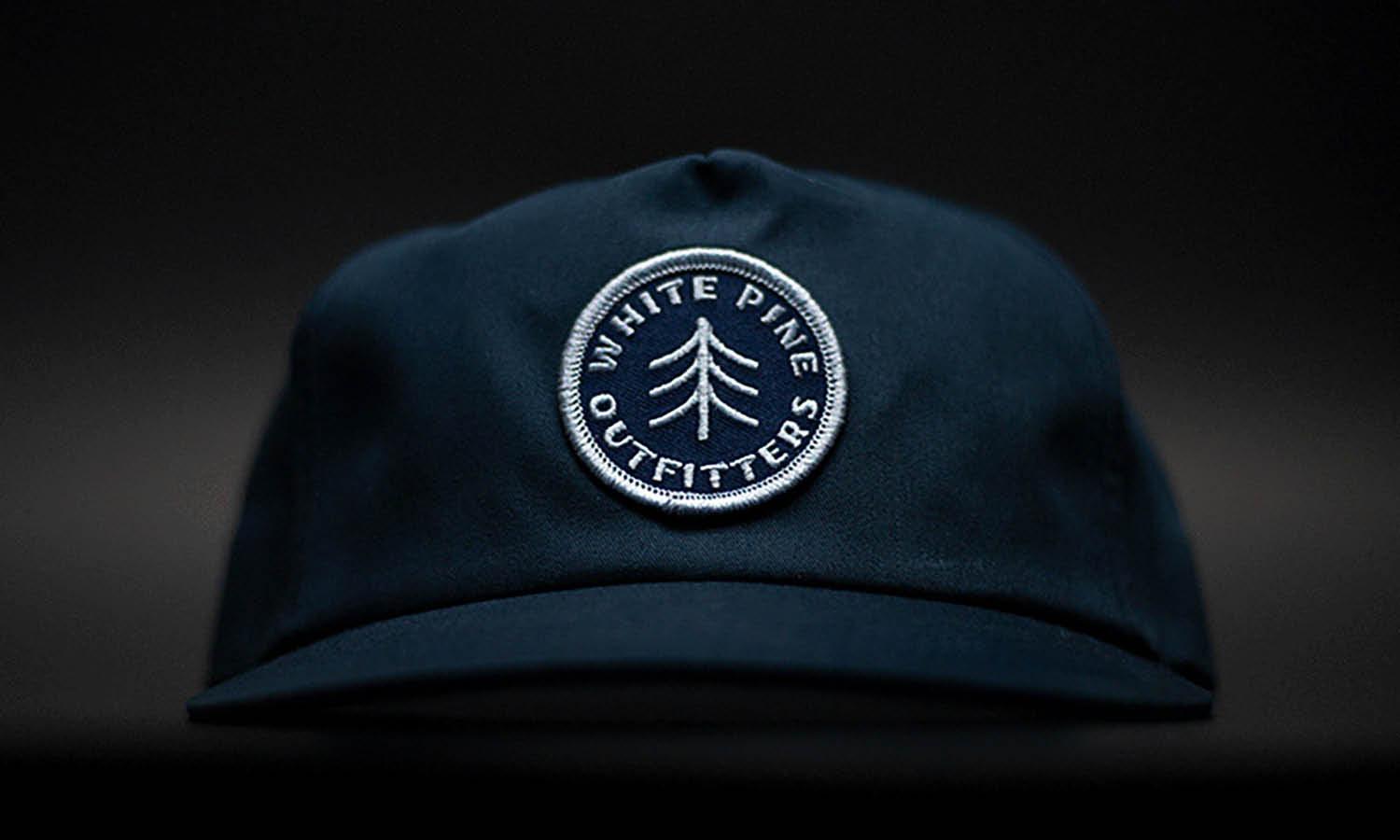
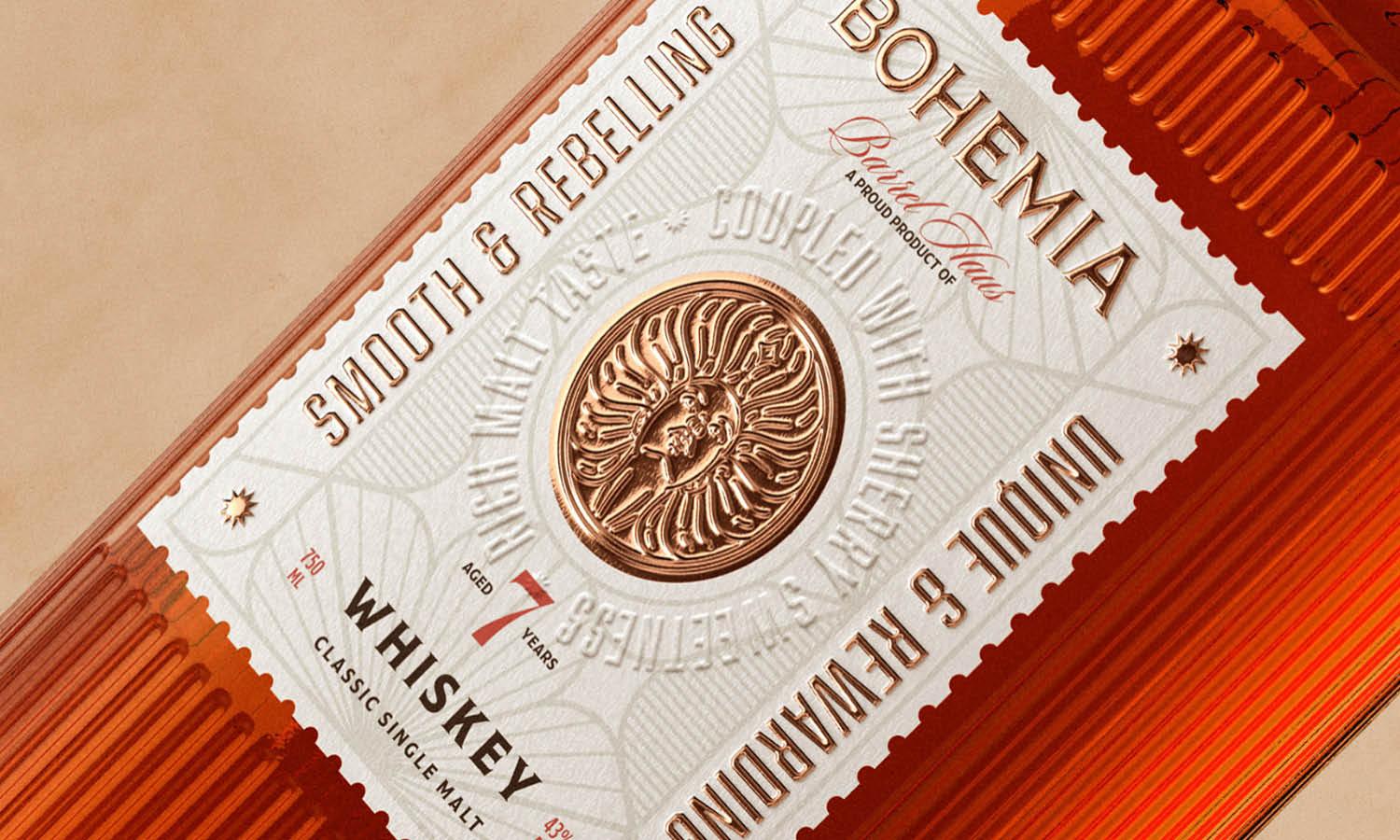
A logo does not always need to be printed with ink. Embroidery works well on apparel, bags, and caps, while engraving can produce a permanent mark on suitable metal, wood, glass, and other materials. Debossing presses the logo into surfaces such as leather or imitation leather, creating a quieter, tactile appearance.

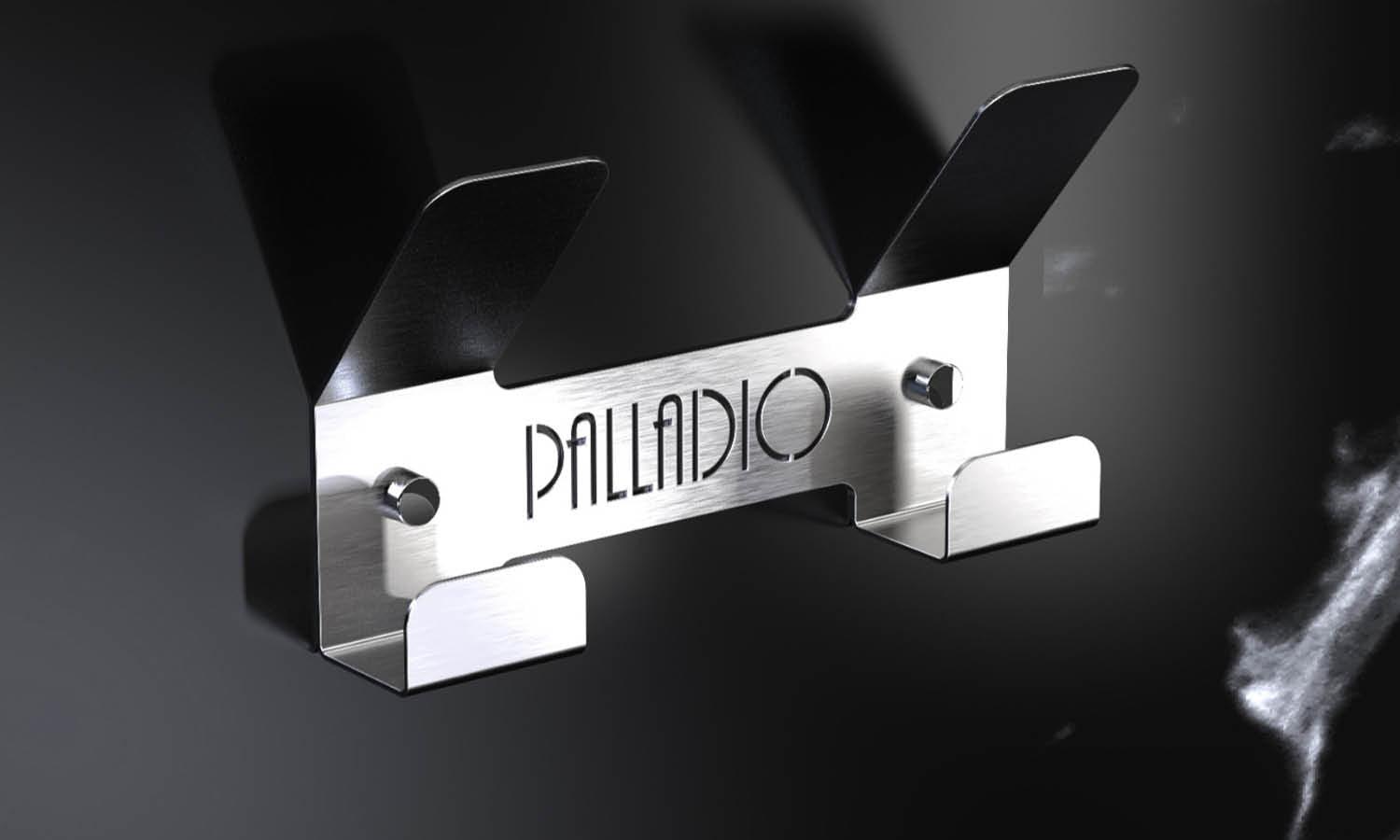
Source: Roman Shtein, Intervals' 22 Visual Communication, Behance, https://www.behance.net/gallery/169400227/Intervals-22-Visual-Communication
Size and Position the Logo Carefully
Logo placement influences how professional the merchandise feels. Simply making the artwork as large as the available area allows does not necessarily create the strongest result.
Match Logo Size to the Product
Consider the product’s proportions and normal viewing distance. A small pen needs a compact mark that remains readable, while a tote bag or sweatshirt can support a much larger logo. When reducing artwork, check that small text and internal spaces remain visible. Sometimes using a simplified logo variation is better than forcing the complete brand lockup into a tiny print area.
Choose a Natural Placement
Think about how the merchandise will actually be used. A chest logo should sit naturally when clothing is worn, while a logo on drinkware should remain visible when the product is held. Other common positions include centered front panels, corners, lids, sleeves, sides, and upper sections. The strongest placement is usually the one that feels intentional rather than merely filling available space.
Maintain Clear Space Around the Logo
Seams, handles, pockets, folds, edges, buttons, and product hardware can make artwork feel crowded. Leave enough breathing room around the logo so that nearby physical features do not compete with it.
Prepare Colors for Accurate Printing
Color is one of the areas where digital previews and physical merchandise can differ noticeably. Screen colors are produced with light, while printed colors depend on inks, materials, coatings, and production methods.
Consider the Product’s Base Color
The merchandise color becomes part of the visual result. A logo that looks strong on white material may lose contrast when printed on navy, black, red, or another saturated surface. Some printing processes require a white base beneath colored artwork so the logo remains bright on dark products. Alternatively, you may need a reversed or single-color logo variation.
Discuss Color Matching With the Printer
When specific brand colors matter, provide the printer with established color references rather than relying only on how the logo appears on your monitor. Some processes can closely match spot colors, while others naturally produce small variations. Ask what level of color consistency is realistic for the selected merchandise and printing technique before approving production.
Request a Proof or Sample Before Production
A proof allows you to evaluate how the design will work before committing to the entire order. This step becomes increasingly important as order quantities, product costs, or logo complexity increase.
Review Logo Size and Placement
Check the artwork relative to the actual product dimensions. A logo that seems appropriately sized in an isolated digital file can appear surprisingly small or oversized once placed on merchandise. Confirm its distance from seams, edges, handles, and other features.
Inspect Detail and Color
Look closely at lettering, narrow lines, counters inside letters, small icons, and other delicate elements. Make sure no parts have filled in, disappeared, or become difficult to distinguish. Also review contrast and overall color appearance rather than assuming the screen preview perfectly represents production.
Test the Product in Normal Use
Where possible, examine the sample as the customer would use it. Wear the garment, hold the mug, fold the tote, or handle the promotional item. Seeing the product in context often reveals placement or visibility issues that are easy to miss in a flat mockup.

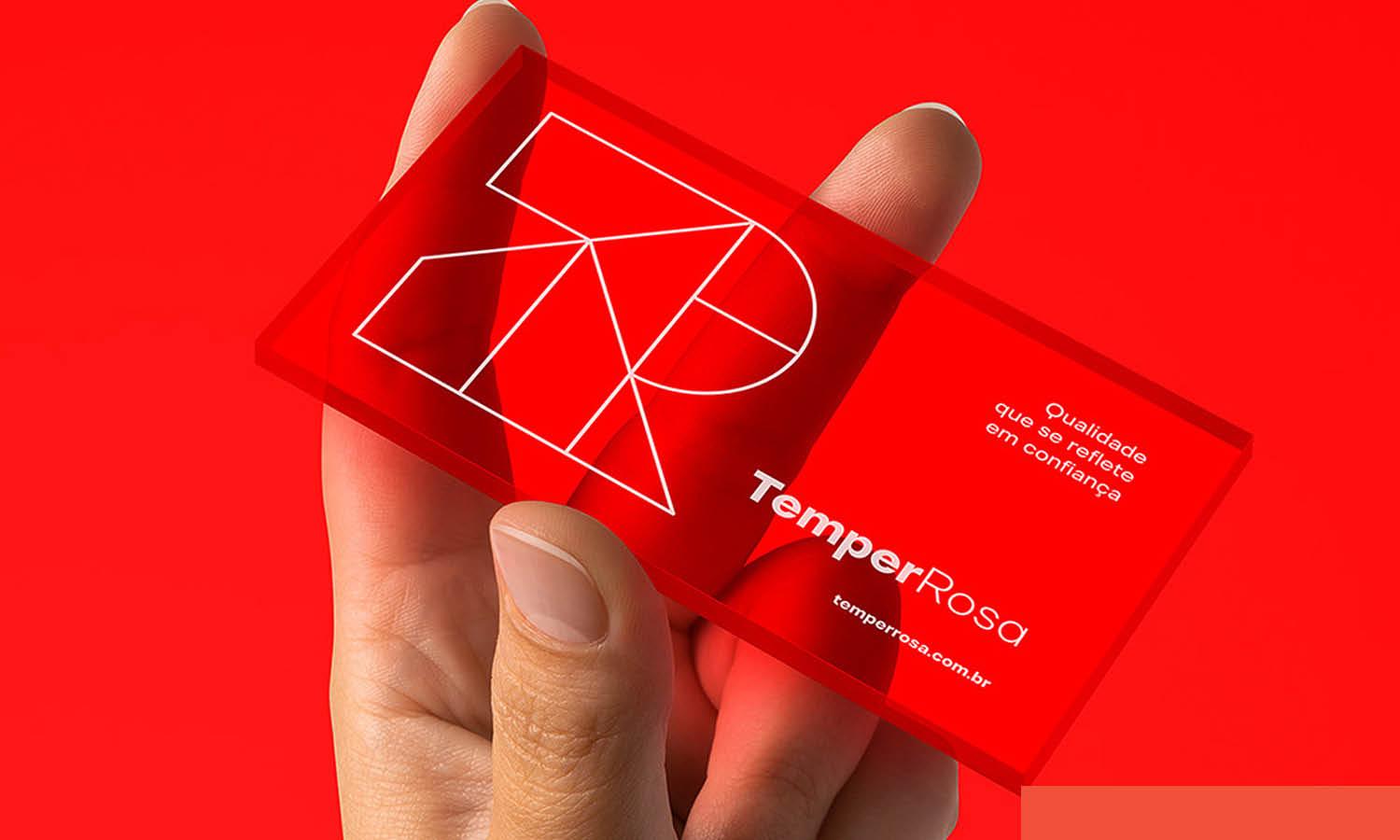
Source: Liteshop2, Koffein, Behance, https://www.behance.net/gallery/135432551/Koffein
Avoid Common Merchandise Logo Printing Problems
Many disappointing results come from decisions made before the printing equipment is ever switched on. Low-resolution artwork is a frequent problem. Small images taken from websites or screenshots may look acceptable on a monitor but become pixelated when enlarged for production. Excessive detail can create another issue. Thin strokes, tiny text, narrow gaps, and complicated shapes may merge together when printed at small sizes. Adjusting the artwork for the actual print dimensions helps preserve readability. Another common mistake is choosing a process without considering the product material. A method that works beautifully on cotton may be unsuitable for coated metal, curved plastic, or textured leather. Product shape should not be overlooked either. Curves, seams, handles, ridges, and edges can distort artwork or reduce the usable printing area.
Finalize the Design for Production
Before submitting the job, perform one final production check. Small details are much easier to correct before hundreds of products have already been decorated.
Confirm the Production File
Make sure the supplier has the correct logo version, file format, dimensions, and color specifications. Remove unused artwork and outdated variations from the production package where possible so there is little chance of the wrong file being selected. Text may also need to be converted to outlines depending on the file requirements.
Provide Clear Placement Instructions
Avoid vague directions such as “put the logo near the top.” Give measurable guidance whenever possible, such as the intended logo width and its distance from a seam or product edge. A visual mockup can reinforce those measurements and help both sides understand the intended result.
Keep an Approved Version for Future Orders
Once production is approved, save the final artwork, dimensions, placement measurements, color references, and printing method used. Keeping these specifications makes future reorders easier and helps maintain consistency when the same branding appears across additional merchandise.
Conclusion
Learning how to print logo on merchandise successfully comes down to preparing the design for the physical product rather than treating every surface like a digital canvas. Clean artwork, suitable materials, appropriate printing methods, balanced sizing, and accurate placement all contribute to a better result.Color choices and production limitations should also be considered before the order reaches the printer. Most importantly, reviewing a proof or sample gives you the opportunity to catch problems while they are still easy to correct. With these details planned carefully, a logo can remain clear and recognizable across different branded products while still feeling naturally suited to each piece of merchandise.
Let Us Know What You Think!
Every information you read here are written and curated by Kreafolk's team, carefully pieced together with our creative community in mind. Did you enjoy our contents? Leave a comment below and share your thoughts. Cheers to more creative articles and inspirations!
LINK
When planning to print logo designs on merchandise, selecting the appropriate printing technique is crucial for achieving optimal results. The three most common methods are screen printing, digital printing, and embroidery. Screen printing offers durability and cost-effectiveness for large orders, making it ideal for simpler designs on t-shirts and hoodies. Digital printing, on the other hand, allows for vibrant full-color prints with detailed gradients, perfect for small batches or items requiring high-resolution graphics like tote bags and promotional banners.
Related Articles





Leave a Comment