How To Use Free AI Retopology On A Concept Mesh
Packaging comps stall when a finished product sculpt will not bend along a fold. Free AI Retopology rebuilds that surface to a face count you type, so the fold can move before anyone traces a loop.
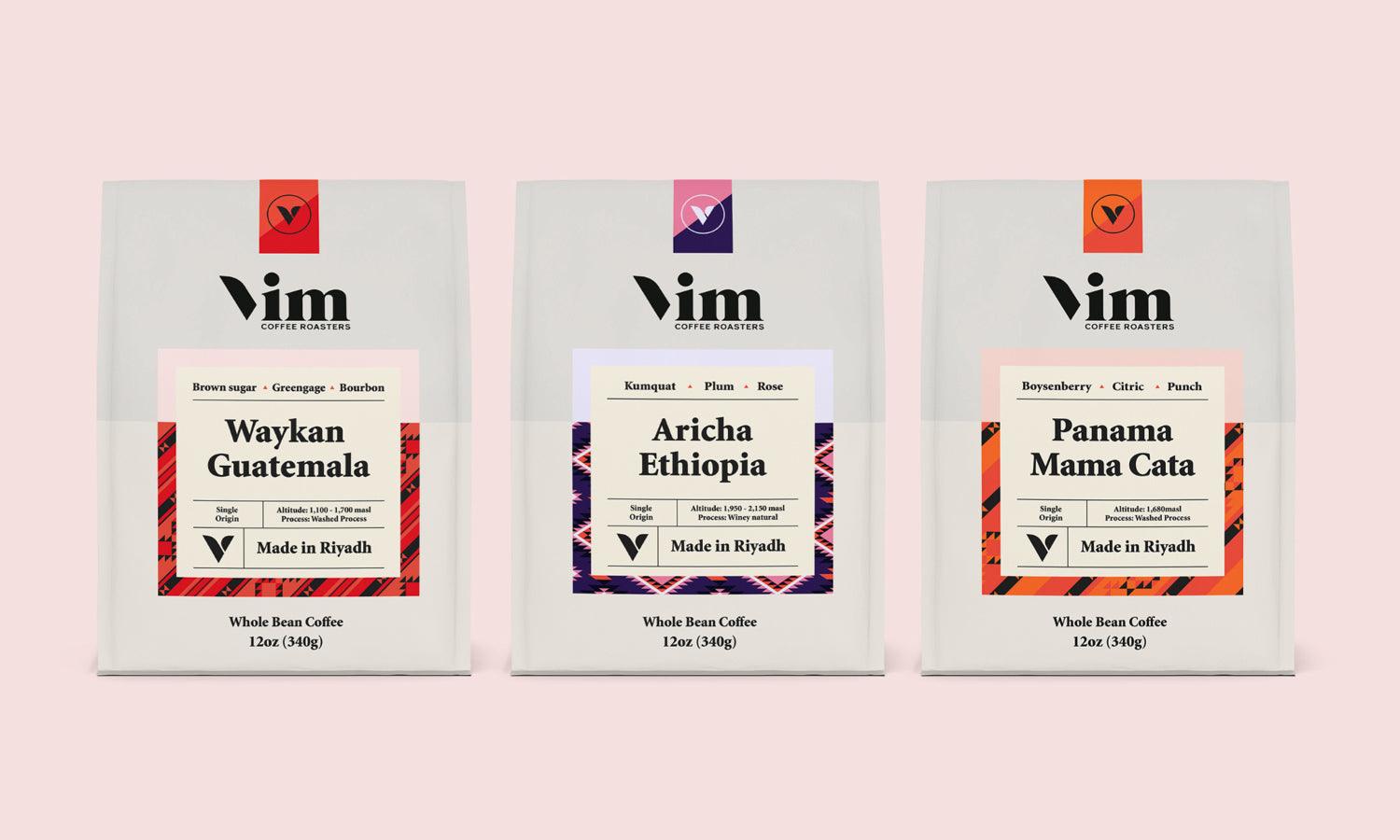
Sleeve art can look finished in a turnaround and still fail the moment a dieline asks the panel to crease. The dense mesh has no edge flow at that fold, so the preview bunches, the comp comes back, and the afternoon turns into rework on a surface you already approved. Image to 3D AI takes the sculpt you have and asks for a number instead of a fresh set of loops.

Image Source: https://imageto3dai.io/
Why A Carton Fold Pinches On Triangle Soup
A product sculpt, or a mesh generated from one product shot, usually arrives as dense triangles with no direction. That shell can look right under a studio light. It does not know where a carton is supposed to bend. When the dieline creases the sleeve, vertices bunch because nothing in the mesh was built to deform there.
Quad loops are what let a surface fold the way a paperboard panel folds. Triangle soup pinches at every joint, and on a pack the joint is the crease, not an elbow. If the pinch shows up in the comp, the illustration was not the part that failed. The topology was wrong for the motion you asked it to make.
So the useful check is narrow. Orbit the mesh, crease the panel in your scene, and see whether the silhouette of the fold stays clean. A mesh that only looks good as a still is not ready for a dieline. The rework, if you skip this, lands on the designer who has to rebuild the same hero by hand.
Pick Quads Or Triangles For The Fold
Before you remesh, decide what the part has to do. Choose quads or triangles, type a target face count, or leave the count on Auto. Auto picks a density when you would rather not invent a number. The ceiling on either mode is deliberate: this range is for real-time and animation budgets, not for a six-figure mesh headed to a resin printer.

Image Source: https://imageto3dai.io/
Quads When The Sleeve Has To Crease
Quads run from 500 to 10,000 faces, with edge loops that subdivide and skin without pinching. A sleeve, a label band, or a soft pouch that has to crease belongs in that mode. Turn on Force Symmetry when the bottle or the carton is mirrored, so the result does not come back subtly lopsided down the middle. Characters, vehicles, and hard-surface props are the cases that switch is built for, and a symmetrical pack is the same kind of object.
Triangles run from 1,000 to 20,000 faces and fit a rigid cap, a lid, or a plinth that only has to sit in the shot. They hit an engine budget. They are the wrong choice if that same part must bend, because there is no loop to carry the crease. If you are unsure, match the mode to the motion, not to whichever preview looks finer in the viewer.
How The Three Remesh Moves Actually Run
The workspace runs in the browser. Nothing to install, no plugin seat, and you never snap a vertex by hand. Three moves cover the pass. Each one is a check, not a new design task.
Bring In A Sculpt Or A Generated Mesh
Upload GLB, GLTF, OBJ, FBX, or STL up to 100 MB, or pick a model you already generated in Image to 3D AI. One image is enough to create that starting mesh elsewhere in the same workspace, and the retopology pass can start from it. STL carries geometry only, so a model that went in as STL comes back without color or texture. That missing color is not a failed shape. If the panel art has to stay, use a format that keeps it.
Type A Face Count Or Leave Auto
Type the face count your preview budget allows. The mesh comes back at that number, which is a different ask from dragging a percent slider and hoping. Leave Auto on when you have no number in mind and you want the tool to pick a density from the model. Do not ask this pass for a print-resolution sculpt. The range stops well below the face counts a resin printer wants, because the point is a mesh you can pose, UV, and edit.
Read The Viewer Before You Export
The new mesh shows up in the viewer. Read it there before you take it into a DCC tool or a game engine. On a pack, the read is the crease: bend the sleeve in the scene you will actually render. If the fold pinches, the mode or the count was wrong, and you run the pass again. Sending the pinched mesh to the client is the rework you can still avoid.
What A Part Tick Leaves On The Shelf
Many product models are not one shell. A bottle lists a cap, a neck, and a body, each with its own face count. Tick the part that is too heavy and leave the rest alone. Per-part runs output triangles, so use that path for a rigid cap, not for a sleeve that must crease as quads. If the model is one welded shell, segment it first and the parts come back separated, ready to tick.
On a bottle with a separate cap, ai retopology tools leave the label panel alone and send only the heavy cap back through the pass. The cost shows up as time: an afternoon does not disappear into redrawing a surface that was already light enough.
A Crease Check Before The File Leaves
Four checks decide whether the comp can leave. None of them require a new illustration. They require you to look at the mesh you just got back and reject the ones that will fail in the dieline.

Image Source: https://imageto3dai.io/
|
Check |
What you compare |
What a failed mesh does |
|
Fold |
Quad loops across the crease |
The panel pinches or bunches when it bends |
|
Count |
The face number you typed |
The preview is still too heavy, or the silhouette collapses |
|
Symmetry |
A mirrored bottle or carton |
One side sits off the center line |
|
Color |
Whether the file was STL |
Texture is gone, which that format cannot keep |
Use the table as a reject list, not as a score. One failed row is enough to hold the file. A clean fold with a missing STL texture can still move forward if the next step is a clay render. A perfect texture on a pinched crease cannot.
- Do not remesh a welded shell when only the cap is heavy. Segment, then tick that part.
- Do not ask a per-part run for quads. That run returns triangles.
- Do not treat a missing STL color as a broken silhouette. Switch format if the art has to travel.
- Do not send a mesh you have not creased in the same scene as the dieline.
A Carton That Can Bend At The Fold
Image to 3D AI fits a designer who already has the sculpt, the scan, or the generated product mesh and needs that surface to crease on a count they can name. The pass is stronger here than tracing loops by hand, because the fold is a budget problem, not a new drawing.
Leave it aside when the hero on the pack is a character face and a rigger needs specific loops around the eyes and mouth. Hands still win that one mesh. For the sleeve, the cap, and the symmetrical bottle, the browser pass is the one to run before the comp goes out.
If the crease holds in the viewer, export and stop remeshing. Another pass will not make the illustration truer. It will only spend the time you just got back.
Related Articles